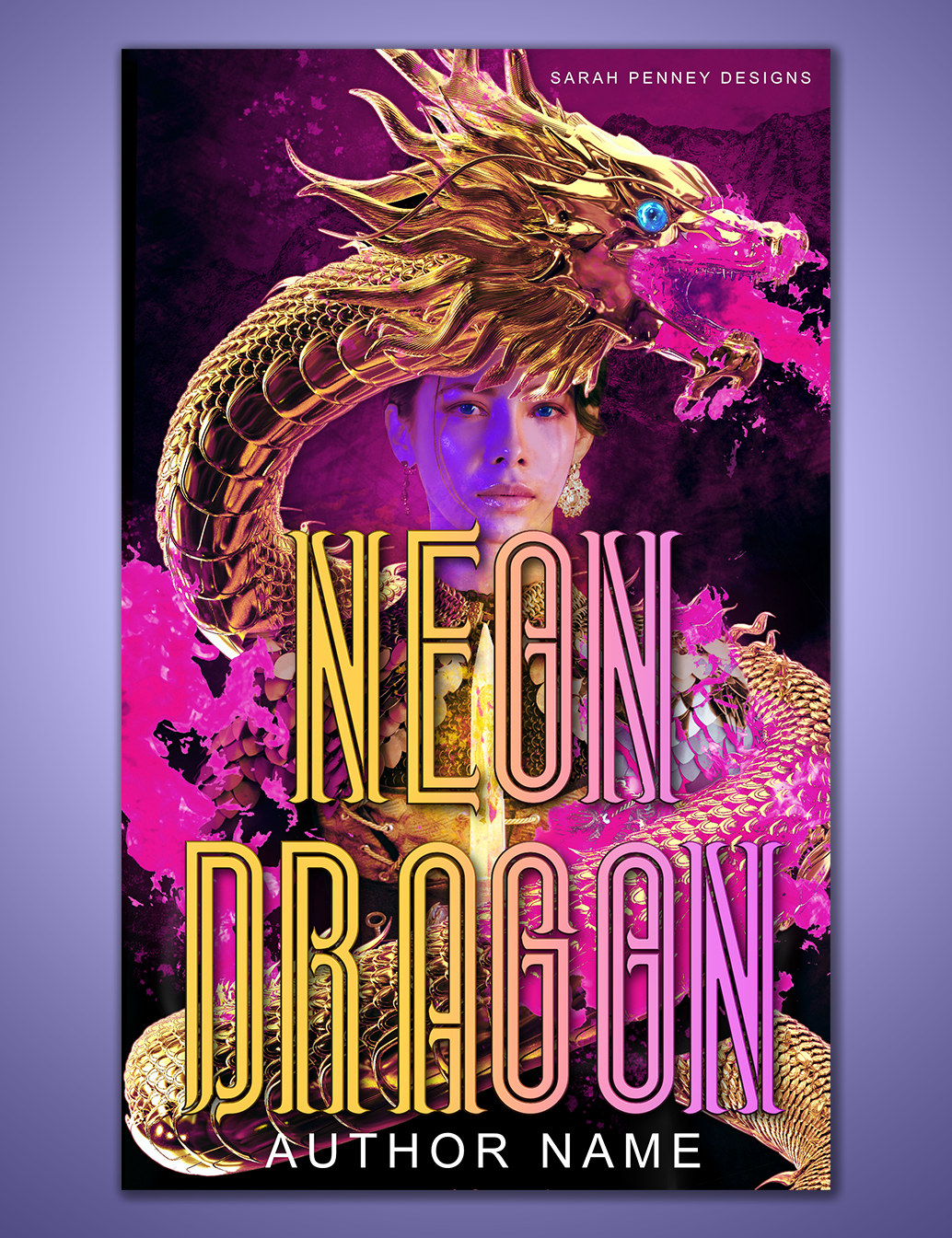
Sometimes it’s good to remember that other apps exist other than Adobe Photoshop. On mobile, people use everything from Canva to painting applications to make book covers, but on desktop, Photoshop still reigns Queen. Sure, there’s GIMP (GNU Image Manipulation Program), and while some may joke about it, many a cover has been made in Microsoft Paint. No, seriously.
So Photoshop is still the superior application; at least it is for now. I recently tried out the Affinity.Serif update of their suite of applications and I’m pleasantly surprised to see how much it’s caught up. Last time I tried Affinity Photo (the Photoshop equivalent), I found it clunky and lacking. Its fonts glitched, the lasso select could be better, and it couldn’t compete with Photoshop’s raw ability to process.
A Surprise
This is not the experience I had today.
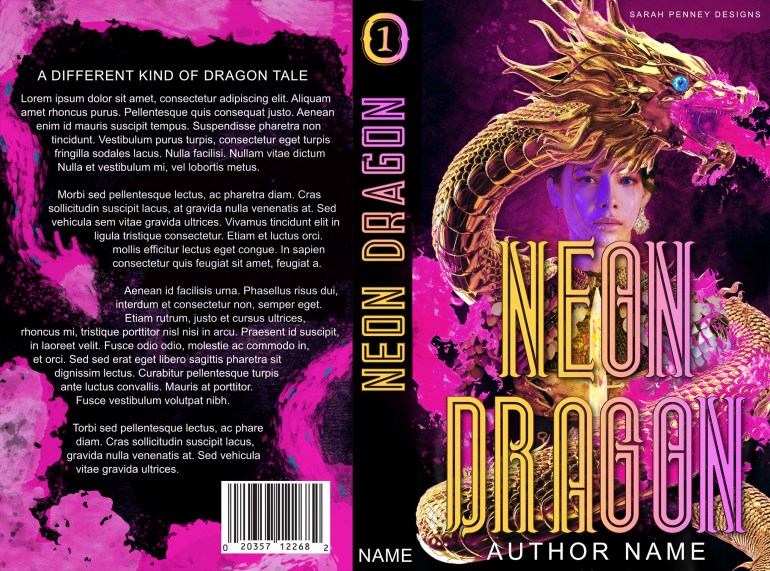
Not only could Affinity Photo keep up with my every design, it ran smoother than Photoshop ever has. It didn’t lag, its selections were sleek, and the fonts– well, the font tools still could use some work. The painted, watercolor brushes worked exactly as intended, and my drawing tablet (a medium-sized Wacom tablet from 2019) integrated well. My battery even worked noticeably better. Sure the gradient could use some work and the bevel options were GIMP level, but Affinity has become a comparable option. At least on a tech level.
Price Difference
Photoshop’s crown is closer than ever for Affinity Photo and I’m excited to see it. Affinity.Serif has real potential to be a strong competitor, with its pricing at the forefront. The Adobe Creative Suite is a subscription service, costing over $500 per year, while Affinity.Serif is a one-time purchase of $164.99 for all three applications. Affinity may only offer 3 applications, but it pays for itself quickly.
The same cannot always be said for Photoshop. Overall, if you’re looking for an alternative, Affinity.Serif may be worth a shot.
 Sarah Penney Designs